Deployment and Shipping
From Localhost to Launch: Mastering SaaS Deployment and Zero Downtime Shipping
The Deployment Anxiety
It is the moment of truth. You have built the features, the auth is secure, and the billing works. Now you need to move your application from your local machine to a production server where real users can access it. For many developers, this is the most stressful part of the cycle.
What if the environment variables are wrong? What if the database connection fails under load? What if you push a bug that breaks the site for everyone currently logged in? Deployment anxiety is real, and it usually stems from a lack of a standardized, automated shipping process.
A professional SaaS is not just about the code. It is about the pipeline that delivers that code to the world.
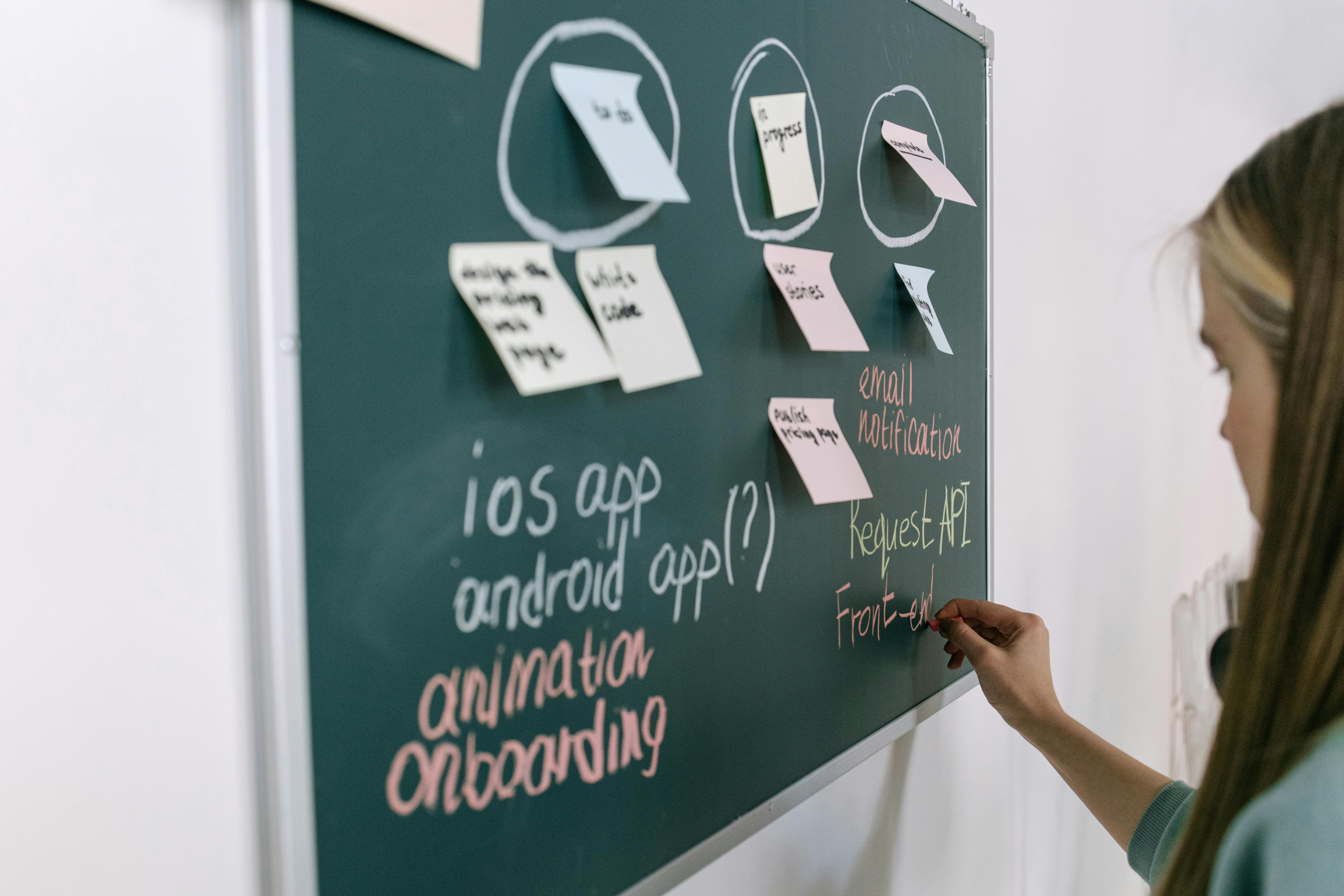
The Shift to Modern Shipping Workflows
The days of manually FTPing files to a server are long gone. In 2026, the industry has standardized on Git based deployment. Every time you push code to your main branch, a series of automated checks should run, followed by a seamless update to your production environment.
For a Nextjs stack application built with Next.js, the gold standard is Vercel or Netlify for the frontend and API routes, combined with MongoDB Atlas for the database. This serverless approach means you do not have to manage hardware or patch operating systems. You focus on the application, and the platform handles the scaling.
Key Areas That Slow Down Deployment
1. Environment Variable Syncing
Your app needs to know its Stripe keys, database strings, and auth secrets. If there is a mismatch between your local .env file and your production settings, your app will crash. Managing these across a team requires a centralized system that ensures every developer is working with the same configuration.
2. Database Migrations and Connectivity
In a Nextjs stack, you do not have traditional SQL migrations, but you still have schema changes. Ensuring your production MongoDB instance is indexed correctly and that your application can connect securely via a VPC or IP allowlist is a critical step that many skip until the last minute.
3. Build Optimization
Next.js does a lot of heavy lifting during the build step, like pre rendering static pages and optimizing images. If your build process is not optimized, your deployment times can stretch to ten or fifteen minutes, slowing down your ability to ship hotfixes.

Achieving Zero Downtime Shipping
Zero downtime means your users never see a 500 error page while you are updating the site. This is achieved through a technique called Atomic Deployments.
When you push a new version, the platform builds the entire site in a separate container. Only once the build is successful and the health checks pass does the traffic switch from the old version to the new one. If the build fails, the old version stays live. This safety net is essential for maintaining a professional reputation.
Understanding how to build a SaaS app faster includes mastering these deployment guardrails so you can ship five times a day without fear.
Common Mistakes in the Deployment Phase
- Testing in Production: Never push directly to your main branch without a staging environment. SassyPack encourages using preview deployments where every pull request gets its own unique URL for testing.
- Ignoring Logs: If your app crashes in production, you need to know why. Failing to set up a logging service like Axiom or Sentry before launch is a recipe for disaster.
- Manual Build Steps: If your deployment requires you to manually run a script or click a button in a dashboard, it is not scalable. Automate everything.
- Oversizing the Database: Do not pay for a massive database cluster on day one. Start with a serverless MongoDB tier that scales with your traffic.
How SassyPack Streamlines Your Launch
SassyPack was built to be deployment ready. We have removed the friction of the localhost to production journey. The kit is pre configured for Vercel, meaning you can go from a fresh clone to a live URL in under five minutes.
With SassyPack, you get a standardized structure that Vercel recognizes instantly. It handles the API route configurations, the static asset caching, and the environment variable validation. It is the ultimate Fast SaaS Boilerplate for Indie Developers who want to spend their time on code, not infrastructure.

Pro Tips for Senior Level Shipping
- Use Edge Functions for Speed: For logic that needs to run close to the user, like geo targeting or A/B testing, use Next.js Edge Middleware.
- Implement Feature Flags: Use a tool like PostHog (which integrates perfectly with SassyPack) to toggle features on and off without a new deployment. This allows you to test new code with a small subset of users.
- Automate Your FAQ and SEO: Use the built in structures to add FAQ for SEO in SassyPack during the deployment phase to ensure your marketing is as ready as your code.
- Monitor Your Core Web Vitals: Deployment is not the end. Use the Vercel Analytics dashboard to ensure your new code has not negatively impacted your page load speeds.
Real World Use Case: The Stress Free Friday Launch
Imagine a developer who used to spend six hours every Friday manually deploying updates to a VPS. They had to SSH into the server, pull the latest code, restart the PM2 process, and pray that the database did not lock up.
They switched to SassyPack and Vercel. Now, they simply merge a pull request. The automated pipeline runs their tests, builds the optimized Next.js bundles, and switches the traffic over in sixty seconds. They launched their latest feature during their lunch break and spent the afternoon watching their SaaS growth metrics dashboard instead of debugging server errors.

Your Deployment Action Plan
- Connect your GitHub: Link your repository to your deployment provider.
- Configure Production Secrets: Ensure all Stripe and MongoDB production keys are added to your provider's dashboard.
- Run a Smoke Test: After the first deploy, walk through the auth and billing flow in the production environment.
- Set up Monitoring: Connect a tool like Sentry to catch any runtime errors that missed your local testing.
Closing CTA
The goal of development is to get your product into the hands of users. Do not let a complicated deployment process hold you back. By using a foundation that is built for the modern cloud, you can ship with the confidence of a 50 person engineering team.
If you are ready to stop fighting with servers and start launching, see how easy it is to build SaaS with SassyPack.
Push to main. Launch to the world.